Dashboards
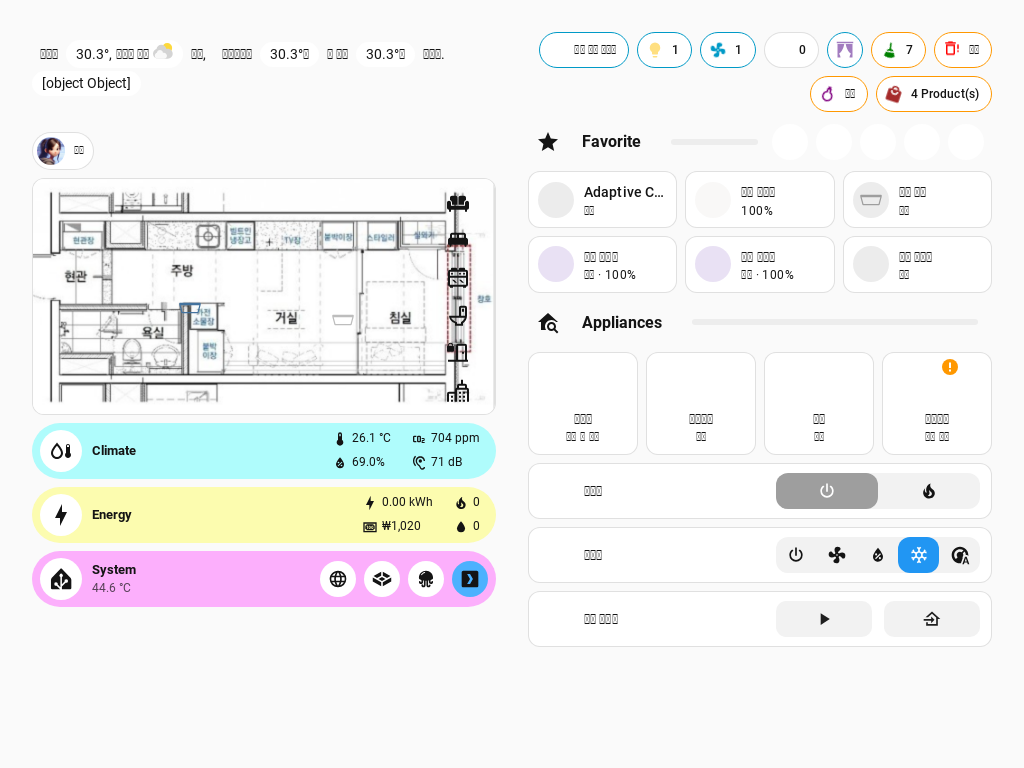
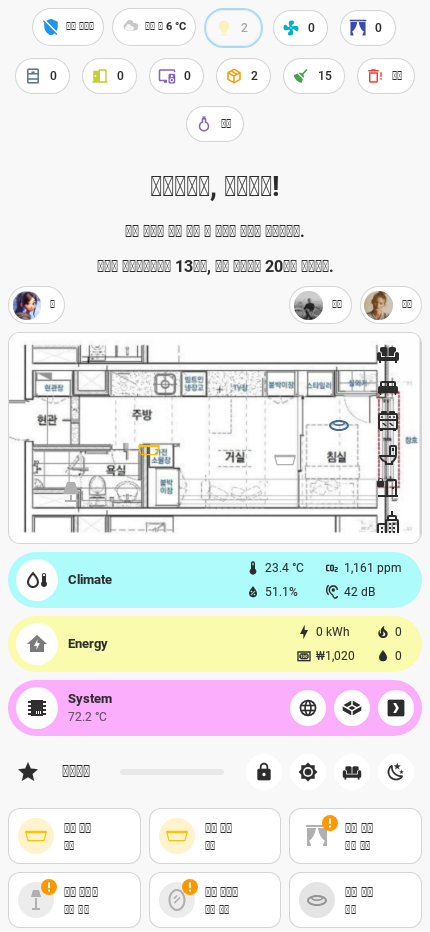
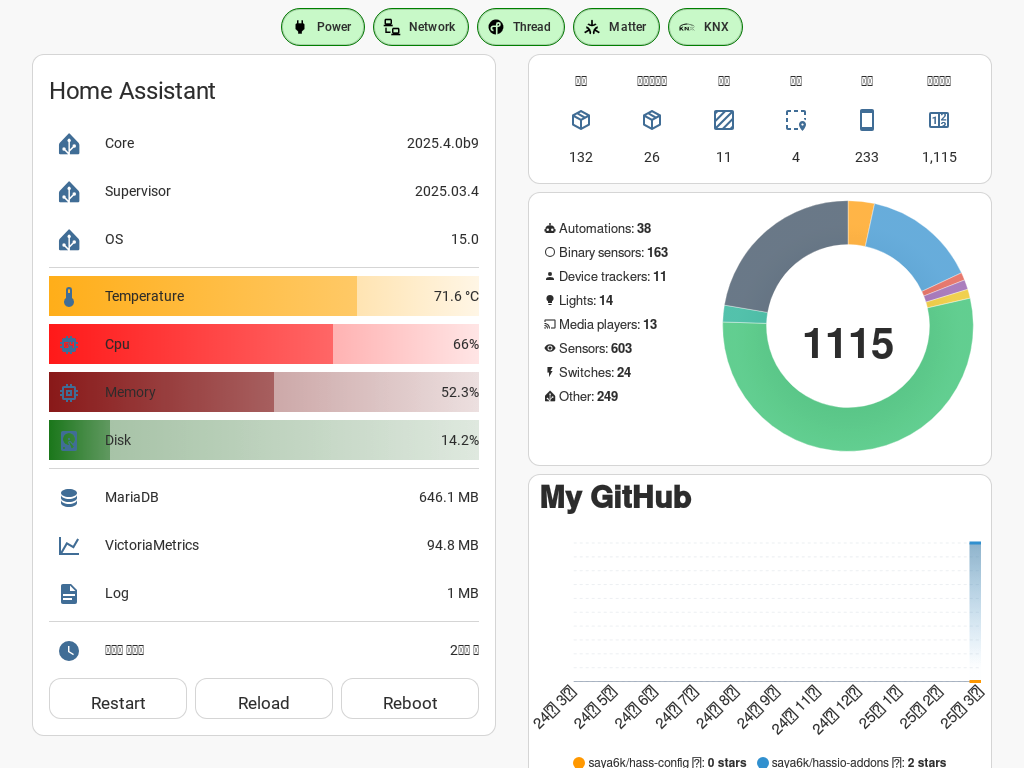
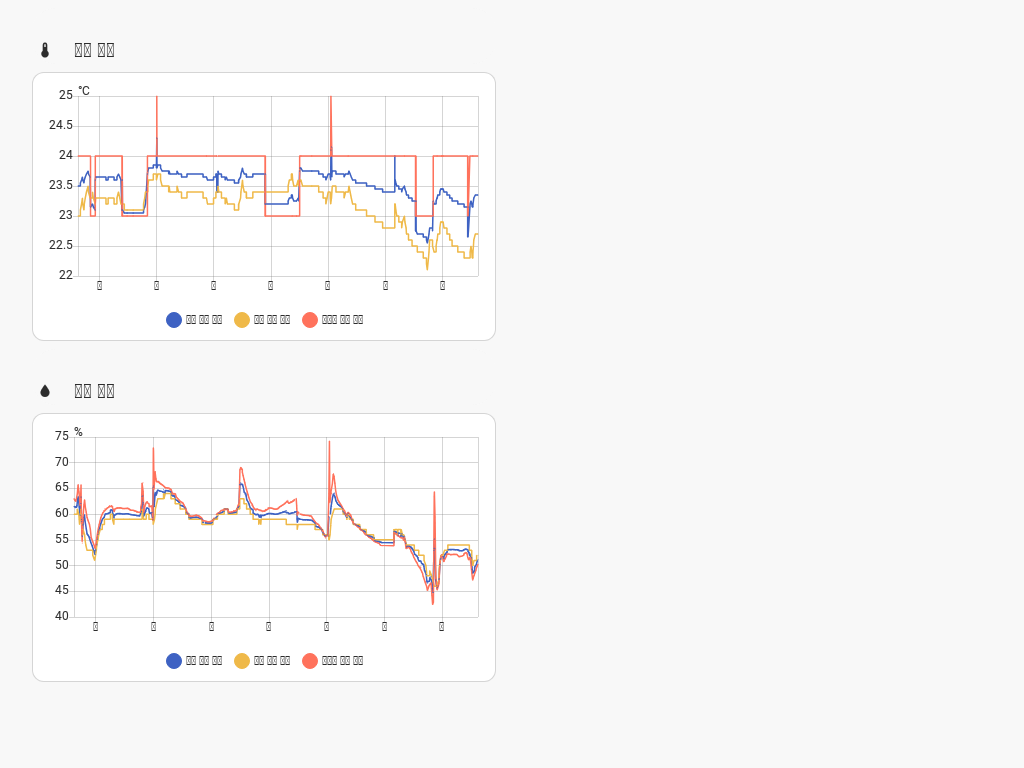
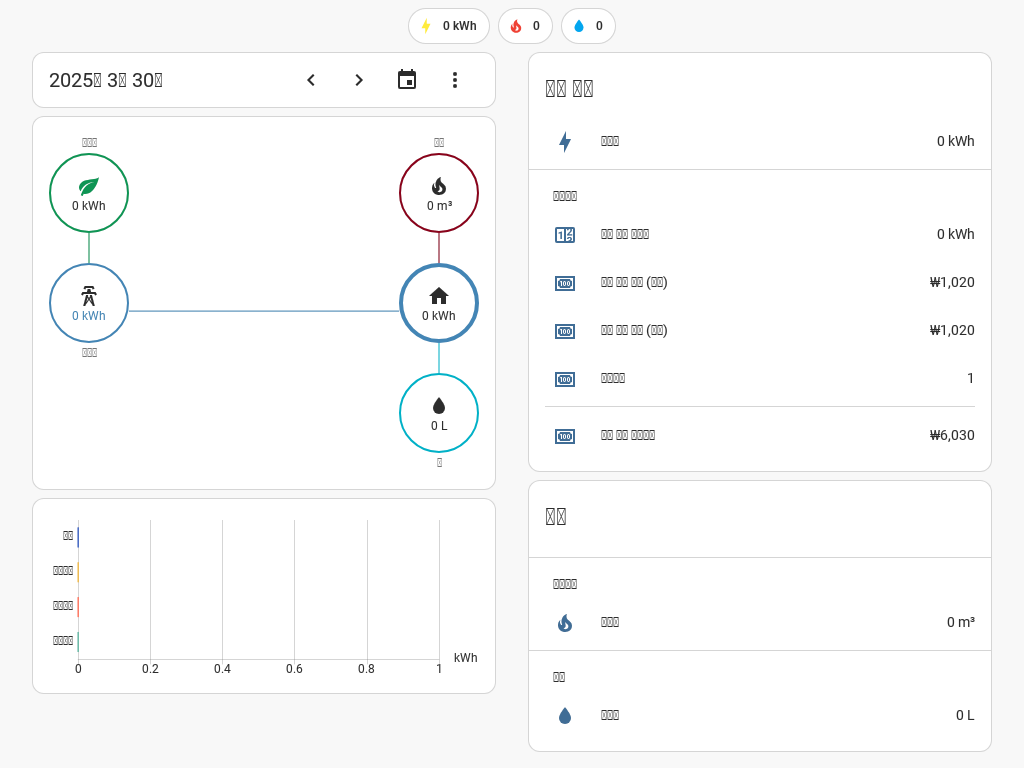
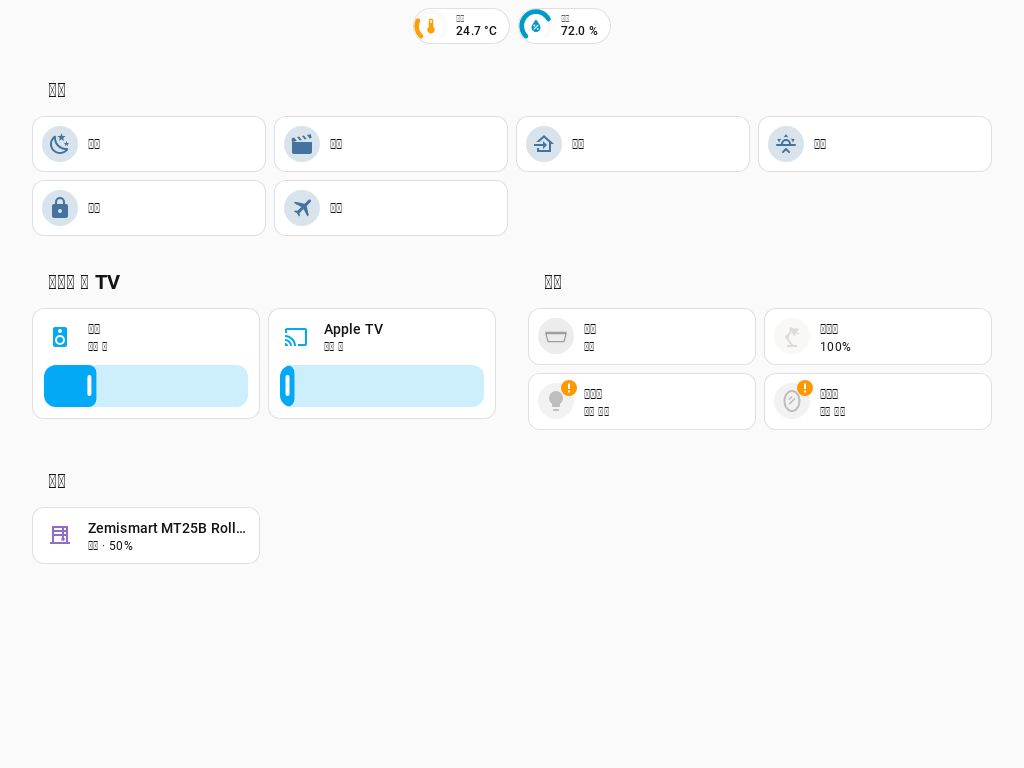
The ui-lovelace.yaml configuration is automatically generated using a custom Readme component. Since I use the lovelace: mode: storage, I might not be able to answer questions about the YAML specifics.
Overview
- Automation and Templates: The setup is designed to minimize manual intervention by leveraging template sensors, groups, labels, and Jinja2 templates for automation.
- Responsive Design: Initially set with a section width of 3, it was adjusted to 2 to accommodate various screen sizes, especially for wall pad usage.
- Unified Interface: The left shortcut tab is hidden to consolidate all information within a single Lovelace interface.
- Inspired by Apple HomeKit: The design and user experience are heavily inspired by Apple HomeKit, aligning with my preference as an iPhone user.
Key Features
- Dynamic Sections: The dashboard is divided into sections like Home, Climate, Energy, System, and more, each tailored to specific functionalities.
- Interactive Elements: Includes interactive cards for media players, lights, climate control, and more, providing a seamless user experience.
- Custom Visuals: Utilizes custom cards and themes to enhance the visual appeal and usability of the dashboard.
- Real-time Updates: Features like weather forecasts, traffic information, and system status are updated in real-time for accurate monitoring.
Custom Integrations
- Music Assistant: Integrated with media players for enhanced audio control.
- Grocy: Manages chores and shopping lists efficiently.
- Home Assistant Alerts: Provides timely notifications for system updates, battery status, and more.
Conclusion
This dashboard setup is a testament to the power of Home Assistant's customization capabilities, offering a robust and visually appealing interface for smart home management.